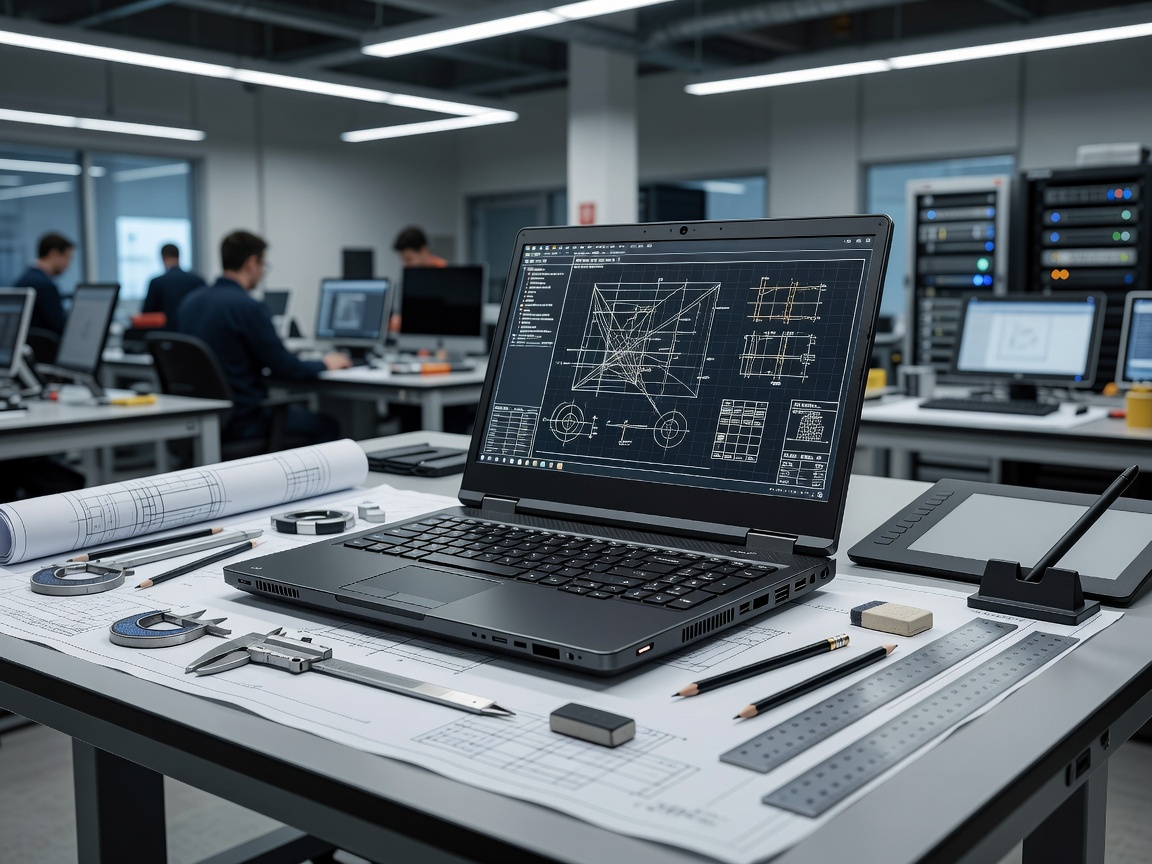
 Desktop Replacement Power
Thermal Dissipation Engineering and Sustained Clock Frequencies
Mobile workstations inhabit an entirely distinct engineering domain compared to consumer thin-and-light notebooks. Where standard laptops are built around brief bursts of speed followed by aggressive thermal downclocking, workstation-grade notebooks are designed to maintain 100% computational capacity over several consecutive hours.
This sustained performance is made possible by complex thermal dissipation systems. Leading enterprise workstation architectures utilize dual liquid-crystal polymer high-static-pressure fans linked to massive copper vapor chambers or multi-pipe heat exchanges. These cooling loops allow sustained CPU plus GPU concurrent power consumption exceeding 130 to 160 watts without exceeding safe junction temperatures (TJMax). This thermal headroom ensures that finite element simulations, architectural ray tracing, machine learning compilation, and algorithmic quantitative models complete without system instability or mid-render crashes.
Memory Integrity: ECC RAM and CAMM2 Evolution
For data scientists, structural engineers, and medical imaging specialists, silent memory bit flips caused by cosmic background radiation or electromagnetic interference represent catastrophic points of failure. High-end workstation platforms offer Error-Correcting Code (ECC) DDR5 memory paired with workstation processors. ECC memory actively detects and corrects single-bit memory faults in real time, preventing catastrophic operating system blue-screens during long simulation runs.
Furthermore, the recent transition toward CAMM2 (Compression Attached Memory Module) and high-density quad-channel SO-DIMM layouts permits memory capacities reaching 64GB, 96GB, and 128GB on a single laptop motherboard, eliminating memory swapping penalties when loading massive CAD assemblies or multidimensional data frames into active RAM.
Workstation Architecture Advantages
- ISV certification guaranteeing driver stability for CAD and engineering suites
- Extensive internal storage expandability (often up to 3 or 4 physical NVMe slots)
- Exceptional port arrays (Dual Thunderbolt 4, full-size HDMI 2.1, 2.5GbE RJ-45)
- Serviceable components allowing easy fleet memory and storage upgrades
Key Operational Trade-offs
- Significant chassis mass (typically between 2.1 kg and 2.9 kg)
- Bulky, high-wattage GaN AC power bricks (170W to 240W) required for full TDP
- Rapid battery drain under combined GPU/CPU duty cycles (sub-3 hours)
- Audible acoustic fan noise during peak computational renders
Workstation Configuration Specifications
| Workstation Class | Chassis Weight | Combined System TDP | GPU Architecture | Expandability |
|---|---|---|---|---|
| Slim-Form Workstation | 1.80 - 2.10 kg | 70W - 90W | Mid-Tier Pro GPU (45W-60W) | 2x SO-DIMM, 2x M.2 |
| Full-Scale Desktop Replacement | 2.40 - 2.95 kg | 130W - 170W | High-Tier Pro GPU (80W-115W) | 4x SO-DIMM, 3x-4x M.2 |
| AI & Data Science Terminal | 2.20 - 2.60 kg | 110W - 140W | High-VRAM Tensor GPU | CAMM2 or Dual SO-DIMM |
Independent Software Vendor (ISV) Certifications
A fundamental differentiator between consumer high-performance laptops and enterprise workstations is official ISV certification. Software publishers specializing in mechanical CAD, structural engineering, digital content creation, and geoscientific analysis rigorously validate workstation GPU drivers for stability, vertex drawing precision, and memory leak prevention.
Unlike gaming drivers that prioritize immediate frame rates, certified enterprise graphics drivers prioritize bit-for-bit graphical reproduction and zero application fault tolerance. Running complex assemblies in applications like SolidWorks, Autodesk Revit, or Siemens NX on certified hardware prevents rendering artifacts, graphical driver resets, and unexpected workspace shutdowns.