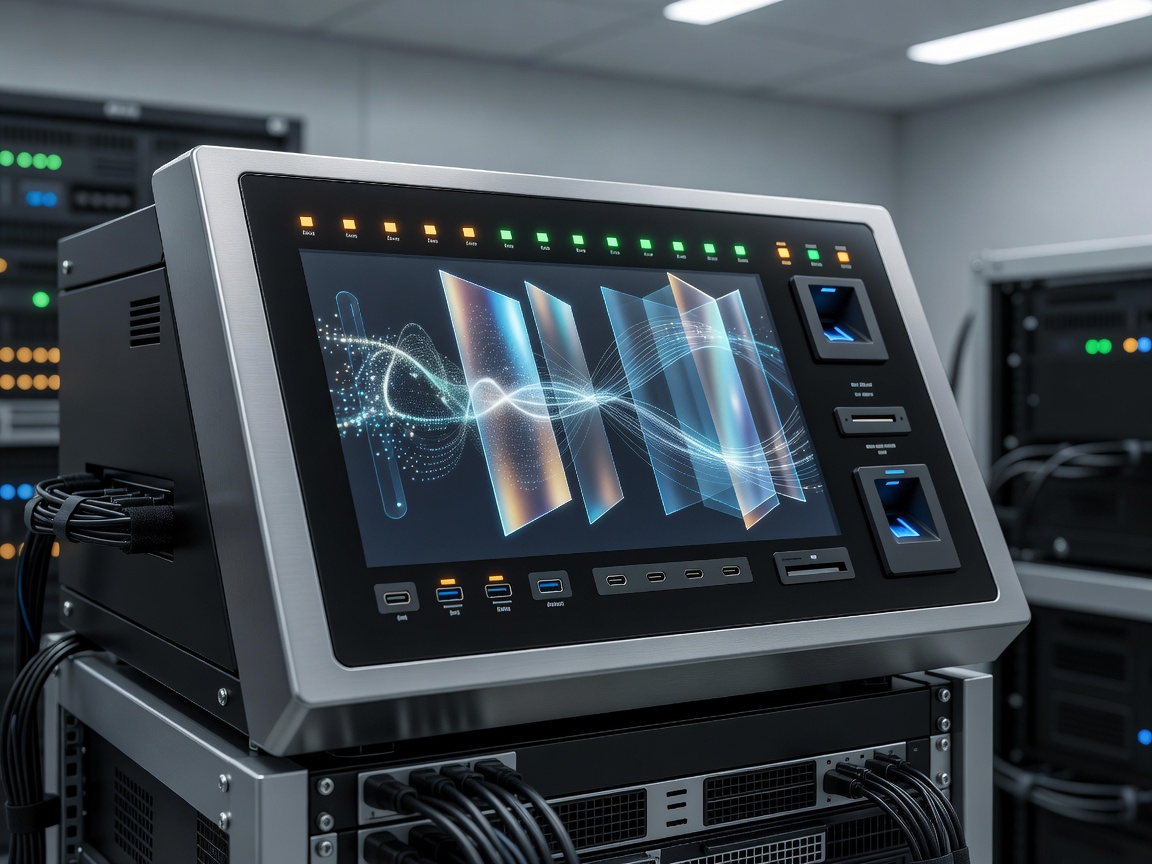
 Zero-Trust Isolation
Hardware-Enforced Isolation in Hostile Network Environments
In banking institutions, legal practices, defense consulting, and healthcare operations, endpoints regularly interface with untrusted public Wi-Fi networks in hotels, airports, and coffee shops. Standard software firewalls and operating system antivirus packages are no longer sufficient against sophisticated firmware attacks, cold-boot memory dumps, or physical device tampering.
High-security business laptops construct a hardware-enforced root of trust beginning at the silicon level. Before the primary operating system kernel executes a single instruction, an independent security coprocessor cryptographically verifies the integrity of the UEFI BIOS code against digital manufacturer signatures stored in tamper-proof non-volatile memory (complying with NIST SP 800-147 guidelines). If memory tampering or rootkit injection is detected, the machine automatically halts execution, wipes compromised RAM sectors, and restores a pristine BIOS image from an isolated secondary chip.
Visual Privacy: Integrated Electronic Light-Directing Filters
A major vulnerability for mobile business travelers is "visual hacking"—unauthorized bystanders viewing confidential merger documents, customer records, or source code over an employee's shoulder. Traditional stick-on plastic privacy filters degrade screen brightness, add bulk, and are often discarded by workers.
Leading secure laptops integrate electro-optical privacy filters directly into the display panel layers. At the press of a function key, the display's micro-louvers narrow the horizontal viewing cone from a standard 178 degrees down to less than 35 degrees. Anyone viewing the screen from an angle sees only an opaque, dark surface, while the user sitting directly in front retains clear visibility.
Security Architecture Advantages
- Discrete TPM 2.0 chip physically isolated from the main CPU memory bus
- Match-on-Chip biometric fingerprint readers preventing replay attacks
- Self-encrypting NVMe drives with Opal 2.0 compliance protecting data at rest
- Physical webcam shutters and electrical microphone disconnect toggles
Key Operational Trade-offs
- Integrated electronic privacy screens reduce maximum viewing angles even when deactivated
- Strict hardware restrictions can complicate personal software customization
- Higher procurement pricing attributable to security licensing and specialized hardware
- Slightly longer initial boot sequences due to comprehensive pre-boot cryptographic checks
Security Layer Verification Matrix
| Security Dimension | Standard Commercial Laptop | Zero-Trust Enterprise Terminal |
|---|---|---|
| TPM Architecture | Firmware TPM (fTPM embedded in SoC) | Discrete Hardware TPM 2.0 (Dedicated silicon) |
| Biometric Processing | Match-on-Host (OS memory processes fingerprint) | Match-on-Chip (Sensor performs matching in encrypted enclave) |
| Chassis Intrusion | None | Chassis switch logs cover removal even when powered down |
| Physical Card Auth | None | Integrated Contacted or Contactless Smart Card Reader |
SmartCard Authentication and Out-of-Band Remote Erasure
For government, defense, and healthcare contractors, multi-factor authentication (MFA) must extend beyond mobile authenticator apps. High-security laptops integrate dedicated contact SmartCard slots (ISO 7816) and NFC readers directly into the wrist rest. Without the physical cryptographic token inserted, pre-boot authentication prevents the system from unlocking the encrypted storage drive.
Moreover, out-of-band management technologies (such as Intel vPro Active Management Technology or AMD PRO manageability) permit systems administrators to locate, remotely isolate, cryptographically lock, or permanently sanitize the internal NVMe drive over cellular networks even if the laptop is powered down or the operating system is unresponsive.