 Enterprise TCO Leader
The Total Cost of Ownership (TCO) Calculation
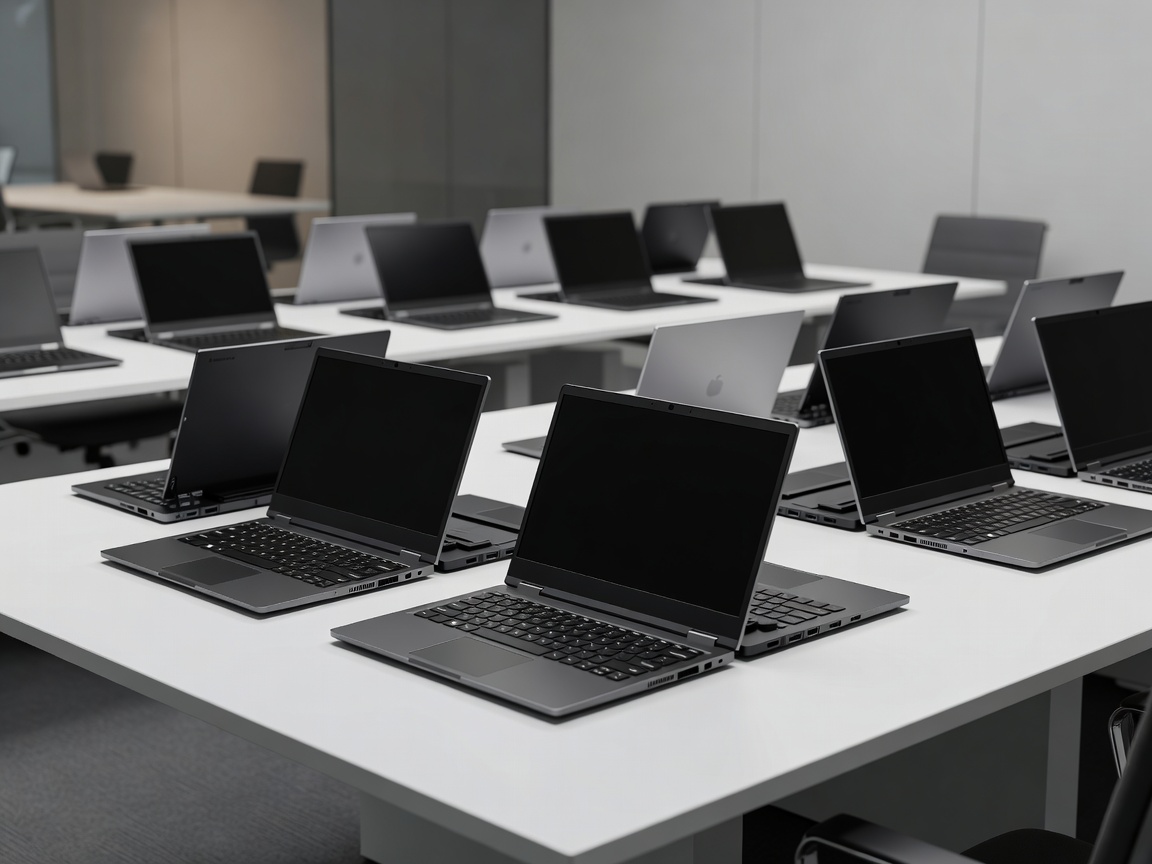
When an enterprise IT department procures computing hardware for five hundred, two thousand, or ten thousand employees, the initial hardware acquisition price accounts for less than 45% of the machine's true lifecycle cost. The remaining expenditure is determined by deployment velocity, driver compatibility, helpdesk ticket volumes, component failure rates, and ease of field maintenance.
Consumer laptops in this price range often use glued chassis assemblies, proprietary non-replaceable batteries, and non-standard internal components that require replacing the entire unit when a single component fails. In contrast, purpose-built enterprise fleet laptops feature modular assemblies held together with standard captive Phillips screws, easily accessible dual SO-DIMM RAM slots, replaceable keyboards, and standardized battery packs that an internal IT technician can swap in less than four minutes.
Standardized Image Management and Stable Motherboard Lifecycles
Enterprise fleet managers demand platform stability. When an organization standardizes on a specific fleet model, they require a guarantee from the original equipment manufacturer (OEM) that the core platform components—Ethernet controllers, Wi-Fi chipsets, audio codecs, and BIOS architecture—will remain unchanged across consecutive production batches for a minimum of 18 to 24 months.
This motherboard stability allows systems administrators to build, test, and deploy a single golden software image (via Microsoft Intune, SCCM, or modern MDM frameworks) without dealing with erratic blue screens caused by undocumented chipset revisions mid-fiscal year.
Fleet Deployment Advantages
- Exceptional repairability reducing downtime during component wear-and-tear
- Low procurement pricing per seat, enabling rapid organizational scaling
- Long component availability windows and multi-year on-site next-business-day SLA warranties
- Broad selection of integrated legacy I/O (Full-size HDMI, RJ-45 Ethernet, USB-A)
Key Operational Trade-offs
- Slightly thicker chassis profiles (18mm to 21mm) and higher weights (~1.45 kg to 1.75 kg)
- Display panels frequently feature baseline 250-nit to 300-nit color coverage (45% NTSC)
- Plastic or composite reinforced chassis rather than unibody CNC aluminum
- Standard touchpads with mechanical dive-board switches rather than haptic surfaces
Lifecycle & Maintenance Comparison
| Hardware Parameter | Consumer Budget Notebook | Enterprise Fleet Business Laptop |
|---|---|---|
| RAM Serviceability | Fully Soldered (Non-upgradeable) | Dual SO-DIMM Slots (Up to 64GB) |
| Chassis Assembly | Adhesive clips, fragile plastic tabs | Captive screws, modular internal sub-frames |
| Keyboard Replacement | Heat-staked into top case ($200+ repair) | Top-accessible or independent screw mounts |
| Driver & OS Lifecycle | 6 - 12 Months sporadic updates | 3 - 5 Years guaranteed commercial drivers |
Port Selection and Peripheral Independence
One of the most cost-effective aspects of dedicated fleet notebooks is their extensive onboard port selection. By preserving native Gigabit RJ-45 Ethernet, two USB Type-A ports, full-size HDMI 2.0/2.1, and dual USB Type-C ports, organizations avoid purchasing hundreds of external docking dongles for desks and conference rooms.
Furthermore, these models integrate robust physical security slots (Kensington lock slots), allowing equipment to be mechanically secured to desks in open-plan offices, call centers, and reception areas without requiring aftermarket brackets or lock enclosures.